3–7 Word Templates: Cold Email Subject Lines for Sales & Recruiters
Use short, honest, personalized subject lines, ideally three to seven words, built on one of four proven patterns: named referral, short question, specific observation, or single word plus name. Test two variants at a time, cut anything that fakes urgency or fabricates a connection, and let open and reply data decide which pattern earns a permanent place in your outreach.
TL;DR:
- Short subject lines of three to seven words perform best because they are less likely to be truncated on mobile devices and reduce cognitive load.
- Personalization with accurate, verifiable details like real names or specific observations increases open rates, while generic or fake personalization damages reputation.
- Four main patterns—named referrals, questions, specific observations, and single words plus names—drive the highest engagement, each suited to different outreach situations.
- Testing should focus separately on open rates for subject lines and reply rates for email bodies, with at least 100 contacts per variant for reliable results.
- Ensuring contact data accuracy and fresh, diverse patterns is more effective than relying on a single winning approach, as familiarity decreases open rates over time.
Table of Contents
- What Cold Email Subject Lines Actually Control
- Core Principles Behind High-Performing Subject Lines
- Subject-Line Patterns That Consistently Get Opened
- Subject Lines by Use Case: Sales, Recruiting, and Networking
- Subject-Line Mistakes That Hurt Inbox Placement
- How to Test and Measure Subject-Line Performance
- Copy-Ready Subject-Line Swipe File and Pre-Send Checklist
- What Actually Matters When You Choose a Subject Line
- Put These Subject-Line Practices Into a Working System
- Sources
What Cold Email Subject Lines Actually Control
A subject line’s job is narrow: get the email opened. Nothing more. Once the inbox opens, the personalized greeting, the body, and the call to action take over and decide whether the recipient replies. Grammarly’s breakdown of a strong cold email’s five parts makes this distinction explicit: the subject line drives opens, while the opener and body drive responses. Conflating the two is the most common strategic mistake in cold outreach. You can write a brilliant subject line and still get zero replies if the first sentence inside falls flat.
Mobile makes this even less forgiving. Most inboxes truncate subject lines somewhere between 30 and 40 characters on a phone screen, so whatever matters most needs to sit in the first few words, not the end of the line. A subject line like “Quick question about your Q3 hiring plans” loses its payoff exactly where the recipient stops reading.
Multiple industry guides tracking cold outreach performance report that subject lines between three and seven words consistently produce the highest open rates, largely because they survive mobile truncation intact and front-load the promise instead of burying it.
A few practical takeaways follow from that split between opens and replies:
- Judge a subject line by open rate alone, and judge your opener/body by reply rate.
- Write the first three or four words as if everything after them will get cut off.
- Never expect a clever subject line to compensate for a weak or generic email body.
- Track opens and replies as separate metrics from day one, not as one blended “performance” number.
Pro Tip: Read your subject line on a phone lock-screen notification preview before you send. If the point disappears, so will your open rate.
Core Principles Behind High-Performing Subject Lines
Every subject line that consistently gets opened, across sales, recruiting, and networking, follows the same handful of rules. Skip one of these and you are relying on luck.
- Keep it short. Aim for three to seven words, under 60 characters. This isn’t a stylistic preference; it is a truncation and cognitive-load issue. Short lines read as a real, specific message rather than a scanned mass send.
- Personalize with real information, not fake familiarity. A first name in the subject line tends to lift opens by a moderate measurable amount according to Zendesk’s reporting(https://www.zendesk.com/blog/sales/cold-email-templates/). Company names in the subject line often do the opposite, since they read as a template variable rather than something a human typed.
- Promise exactly what the email delivers. If the subject implies a referral, a shared connection, or a specific insight, the email needs to deliver that within the first two lines. A subject line that overpromises gets flagged as spam in the recipient’s head even before an algorithm touches it.
- Skip most punctuation, all caps, and emojis in B2B contexts. A well-placed question mark works. Exclamation points, ALL CAPS words, and emoji stacked into a subject line read as retail marketing, not a professional message from one working adult to another.
Personalization only works if the underlying contact data is accurate. Salesforce’s guidance on sales email subject lines notes that clarity and relevance beat cleverness every time, and clarity is impossible when you’re guessing at a title, a company, or a shared connection that doesn’t actually exist.
Subject-Line Patterns That Consistently Get Opened
Four patterns cover the vast majority of subject lines that outperform in cold outreach. Each one works through a specific psychological trigger, and each one has a failure mode worth knowing before you copy it.
Named referral. This pattern borrows social proof: “Sarah Chen suggested I reach out.” It works because a real name attached to a real relationship is the single strongest open-rate driver available. Pattern data referenced by FoxReach shows named referrals can push open rates to a very high range in select campaigns(https://www.foxreach.io/guides/cold-email-subject-lines), well above cold-outreach norms. The catch: it only works when the referral is genuine. A fabricated or exaggerated connection generates complaints and reputational damage that outlasts any short-term open-rate gain.
- “Sarah Chen suggested I reach out”
- “Following up on Mike’s introduction”
- “You and [mutual contact] both know [name]”
- “[Name] said you’re the person to talk to”
Short question or curiosity gap. Questions work because an unanswered question creates a small itch the brain wants to resolve, and resolving it means opening the email. The construction is simple: a specific, relevant question tied to something the recipient plausibly cares about, not a generic “Quick question.”
- “Still handling outbound manually?”
- “Is Q1 hiring on your radar yet?”
- “Worth 10 minutes this week?”
- “How are you tracking pipeline right now?”
Specific observation. This pattern signals research and effort in a handful of words. The observation has to be verifiable and specific, something the recipient can immediately confirm is true about their company, role, or recent activity, not a flattering generality.
- “Saw your Series B announcement”
- “Noticed [Company] is hiring 3 SDRs”
- “Your team’s post on LinkedIn about churn”
- “Congrats on the product launch last week”
Single word plus name. Minimalism reads as confidence, and a bare first name plus one word stands out precisely because it looks nothing like a marketing email. This pattern works best for warm-ish outreach or a second-touch message, where some context already exists.
- “David, quick one”
- “Question, Priya”
- “Idea, Marcus”
Direct and specific transactional lines. For time-bound offers or clear-value pitches, skip the cleverness entirely and state the offer.
- “20% off your renewal, ends Friday”
- “Free audit of your outbound sequence”
| Pattern | Best for | Typical risk |
|---|---|---|
| Named referral | Warm introductions, partner-sourced leads | Fabrication kills trust fast |
| Short question | Cold B2B, top-of-funnel outreach | Can feel generic if too vague |
| Specific observation | Researched, account-based outreach | Requires real research time |
| Single word + name | Second touches, semi-warm contacts | Feels odd on a true first cold send |
| Direct/transactional | Time-bound offers, renewals | Weak without a genuine deadline |
Subject Lines by Use Case: Sales, Recruiting, and Networking
The pattern you choose matters less than whether it fits the reader’s expectations for that specific relationship. A recruiter and a sales rep are solving different trust problems, even when they’re both writing a cold first line.
- B2B sales outreach. Decision-makers respond to subject lines that front-load a result or a specific business condition, not a product name. “Cut onboarding time by 30%” beats “Introducing our new platform” because it names an outcome the reader can picture. Salesforce’s sales-focused subject line guidance consistently favors this result-first phrasing over feature lists. Try: “Cutting your CAC in half,” “3 ideas for your Q2 pipeline,” “How [similar company] fixed their SDR ramp.”
- Recruiters and job seekers. Fit-first framing wins here, because the recipient’s real question is “Why me, specifically?” A recruiter reaching a candidate should reference the actual skill match: “Your Kubernetes experience caught my eye.” A job seeker reaching a hiring manager should reference something specific about the company or team: “Loved your talk on remote engineering culture.” Generic lines like “Exciting opportunity!” or “Following up on my application” get buried instantly.
- Networking outreach. Low-commitment asks perform better than anything that sounds like a favor. “15 minutes for advice on X?” works because it names a small, bounded ask. Expert-advice framing, positioning the recipient as the knowledgeable one, also tends to land well: “Would love your take on [specific topic].”
- Follow-ups. The rule here is situational. If the first email got opened but not answered, keep the subject consistent so the recipient recognizes the thread and doesn’t feel spammed by a new pitch. If the first email never got opened at all, a fresh subject line using a different pattern gives you a real second shot instead of repeating a line that already failed.
Subject-Line Mistakes That Hurt Inbox Placement
Some subject-line habits do more damage to deliverability than to open rates directly, and the two problems compound each other over time.
Fake “RE:” or “FW:” prefixes used to trick a recipient into thinking a conversation already exists have become a well-known red flag. Deliverability guides tracking these patterns report that fake reply prefixes and bracketed personalization tokens like “[FirstName]” that failed to populate are both declining in effectiveness and increasingly likely to get downgraded by inbox providers. If a merge field breaks and a subject line goes out reading “Hi [First Name],” that single email can flag the entire sending domain.
Subject-line style doesn’t operate in isolation from domain reputation. An inbox with a fresh domain and no warmup period behind it will land in spam regardless of subject-line quality, because inbox providers weigh sending history and engagement patterns heavily. A perfect subject line sent from a cold, unwarmed domain still underperforms.
Preview text, the snippet that shows after the subject line in most inbox views, is an underused lever. Use it to extend or clarify the subject rather than repeating it. If your subject line asks a question, the preview text can hint at the answer; if the subject makes an observation, the preview can add the specific detail that proves it’s not automated.
- Never fake a reply thread with “RE:” on a true first-touch email.
- Test every merge field before sending; a broken token is worse than no personalization.
- Treat preview text as a second sentence, not wasted space.
- Watch bounce and spam-complaint rates weekly, not just open rates.
Pro Tip: If open rates suddenly drop across a whole campaign with no subject-line change, check domain reputation and sending volume before you touch the copy.
How to Test and Measure Subject-Line Performance
A/B testing subject lines only produces a trustworthy answer when the test is structured correctly, and most cold-outreach senders skip at least one of these steps.
- Split your list into two even segments and change only the subject line between them, keeping the body, sender, and send time identical.
- Send to at least 100 to 200 contacts per variant before drawing conclusions. Smaller samples produce open-rate swings that look meaningful but are just noise.
- Run the test over the same time window for both variants, ideally the same day or adjacent days, to control for day-of-week effects.
- Compare open-rate lift first, then check whether that lift actually translated into more replies. A variant that wins on opens but loses on replies isn’t automatically the winner.
- If opens are strong but replies stay flat, stop testing subject lines and start testing the opener and preview text instead. Grammarly’s guidance on cold email structure notes that subject lines and reply rates are governed by different parts of the message, so a reply problem often isn’t a subject-line problem at all.
| Metric | What it tells you | Good next step |
|---|---|---|
| Open rate | Subject-line effectiveness | Test a new pattern or shorter phrasing |
| Reply rate | Opener and body effectiveness | Test the first sentence and CTA |
| Bounce rate | List and domain health | Verify contact data and sending setup |
| Spam complaints | Trust and relevance signal | Revisit personalization accuracy |
Copy-Ready Subject-Line Swipe File and Pre-Send Checklist
Keep a running file of templates organized by pattern so you’re never staring at a blank subject-line field before a send.
Named referral templates:
- “[Name] said we should connect”
- “Following up after talking to [Name]”
- “[Name] mentioned you’re expanding the team”
Short question templates:
- “Still doing outbound the hard way?”
- “Worth a quick call this week?”
- “Is this still a priority for you?”
- “Handling this in-house or outsourcing?”
Specific observation templates:
- “Saw the news about your funding round”
- “Noticed you’re hiring for 3 AE roles”
- “Your recent post on [platform] about [topic]”
- “Congrats on the [specific milestone]”
Single word + name templates:
- “[Name], idea for you”
- “[Name], quick thought”
- “Question, [Name]”
Sales-specific templates:
- “Cutting [metric] for [industry] teams”
- “How [comparable company] solved [problem]”
- “A faster way to hit your Q[X] number”
Recruiter and job-seeker templates:
- “Your background in [skill] stood out”
- “Loved your work on [specific project]”
- “A role that matches your [specific experience]”
Networking templates:
- “15 minutes for your advice on [topic]?”
- “Would love your take on [specific question]”
- “Following up from [event/mutual connection]”
Before any send, run every subject line through one checklist: does it name something real and verifiable, does the email inside actually deliver on it, and would it survive being read aloud to the recipient’s face without sounding fake? Templates work as a starting structure, not a script to paste unedited. Swap in the actual detail every time, whether that’s a name, a metric, or a shared connection, or the pattern’s trigger disappears and it reads exactly like the mass email it’s trying not to be.
| Check | Pass condition |
|---|---|
| Length | 3 to 7 words, under 60 characters |
| Personalization | Real name or verified detail, not a broken token |
| Honesty | Subject matches what the email actually delivers |
| Tone | No all caps, minimal punctuation, no emoji in B2B |
| Pattern freshness | Not the same line used in your last 3 campaigns |
What Actually Matters When You Choose a Subject Line
Most advice on this topic treats subject lines like a copywriting puzzle to solve once and reuse forever. That’s backwards. The pattern that got a 40 percent open rate in March will fade by summer, not because the pattern is wrong but because your list has now seen it three times. Rotating patterns isn’t a nice-to-have; it’s the only way to keep a cold-outreach program from decaying quietly while the sender assumes nothing changed.
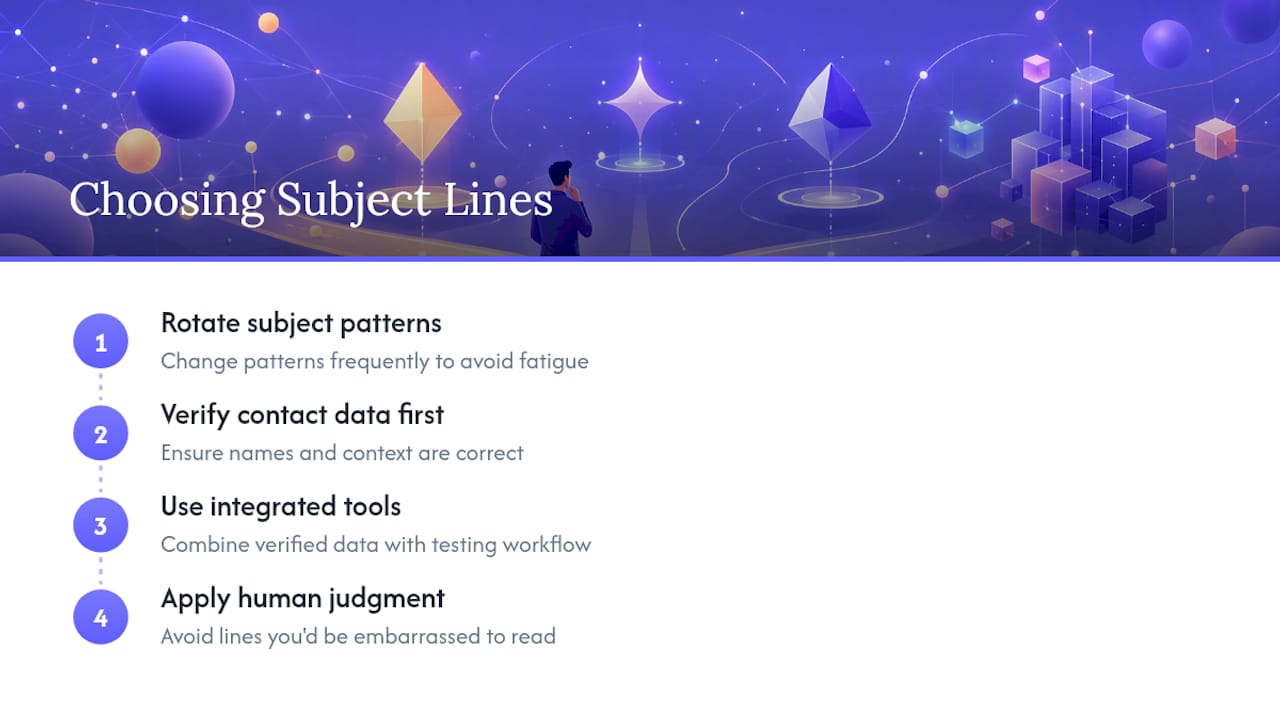
The bigger blind spot is treating personalization as a copywriting problem when it’s really a data problem. A first name in a subject line only helps if the name is correct and the context around it is real. Scale a inaccurate list with clever subject lines and you’ll multiply complaints faster than replies. Get the contact data right first, then let the subject-line experimentation do its job. Tools that combine verified contact data with the actual sending and testing workflow, rather than treating subject-line writing as a separate task from list quality, make that sequencing easier to enforce in practice.
None of this replaces judgment. A subject line that would embarrass you if the recipient read it back to you in a phone call is the wrong subject line, regardless of what an A/B test says about it that week.
— Julian
Put These Subject-Line Practices Into a Working System
Testing subject-line patterns by hand, across spreadsheets, a separate sending tool, and a separate contact database, is exactly the kind of fragmented setup that makes personalization at scale fall apart. Deeplead is built to close that gap: it pulls verified contacts from its own business and B2B data, researches each recipient, and writes a personalized email for every send, then delivers it through warmed-up inboxes so your subject-line testing doesn’t get undone by poor domain reputation.
Because contact data, copywriting, warmup, and sending all live in one system, you can run a subject-line test on Monday and see open and reply data broken out by pattern without stitching together three tools’ worth of exports, perfectly syncing to your CRM and automation workflows. Replies land in one inbox with AI auto-responders handling the first-pass triage, and everything syncs to your CRM automatically. If your current setup makes A/B testing subject lines feel like a research project instead of a five-minute task, that friction is worth fixing before you write another template. Start a free trial of Deeplead and run your first personalized subject-line test this week.