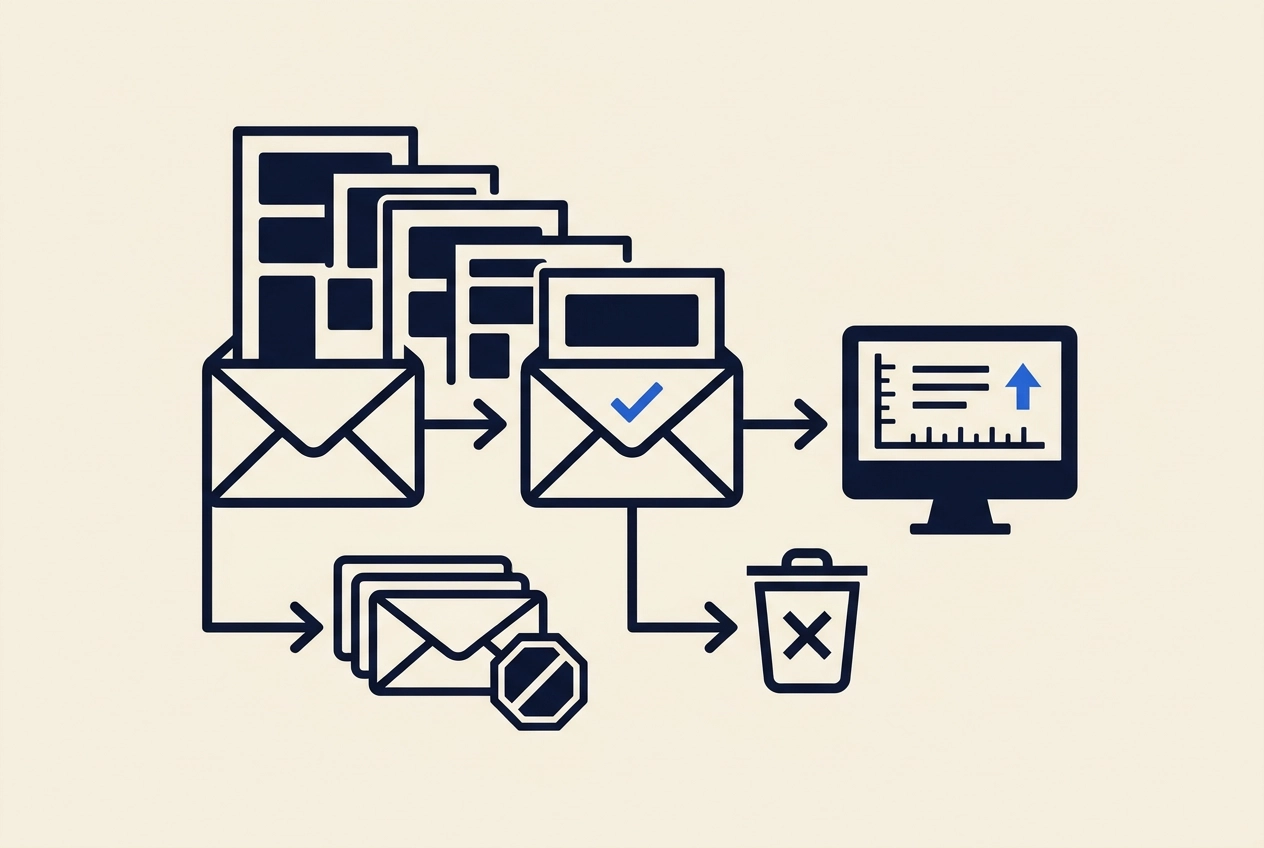
Most cold email sequences run four to seven follow-ups. Ask why, and you usually get a template answer, not a data one. That habit costs you inbox capacity, and it can put you on the wrong side of both buyer patience and email regulations. This tutorial replaces the template with a measurable stopping rule: find the point where marginal replies per 100 sends approach zero while negative sentiment starts to climb. You will learn why most cold email follow up counts are habit rather than evidence, the difference between stopping a chase and being allowed to email someone, what the marginal-reply threshold actually is, and how to read your cutoff in five steps. We will walk through a touch-by-touch worked example, show where your cutoff moves based on offer, list quality, and reply speed, and explain what to do with the touches you delete. We will also cover hard stops like opt-outs and objections, because no reply-rate threshold overrides them. Finally, you will see how cutting dead touches frees capacity for new contacts, which usually beats a seventh nudge. If you want to test these thresholds on live campaigns, Deeplead's free trial can help.
Why most cold email follow-up counts are habit, not evidence
Most sequences run four to seven touches because a course template, a tool default, or a screenshot of someone else's campaign said so, that is the author's hypothesis, not a sourced finding. None of those describe your offer or your list, and none were built on your data.
Be clear about the evidence: current published guidance contains no public, sourceable benchmark for reply rate by touch number. Google's sender guidelines set deliverability limits, such as the 0.3% spam-rate ceiling, but say nothing about follow-up cadence. So every number in this article is a method you run on your own campaign data, never an industry figure.
There are real reasons why cold email follow-ups get more replies than your first message, but that does not make an extra nudge free. It spends inbox capacity, domain reputation, and prospect attention that a first email to a new contact could have used instead.
If only touch one ever gets replies, that is usually a targeting and list-fit problem, not a cadence problem. A fifth nudge will not fix it.
The goal here is one measurable stopping rule, read per campaign, with a clear decision about where the touches you remove actually go.
Two rules that get confused: when to stop chasing vs when you may email
Before you set a single numeric cutoff, separate two questions. The first is legal: may you email this contact at all? The second is commercial: should you keep chasing? The ICO treats B2B marketing as direct marketing to a business or business contact, and PECR governs electronic messages including email. So your sequence lives inside a legal frame before it lives inside a spreadsheet.
Who you may email
Under PECR, the email consent rule does not apply to corporate subscribers, companies, LLPs, and some government bodies with separate legal status. Sole traders and some partnerships count as individual subscribers and get consumer-level protection, which changes what you may send.
UK GDPR still applies to named business contacts. You need notice at collection and a lawful basis for direct marketing.
Objections override every calculation
A business contact can object to direct marketing at any time. An opt-out or a "remove me" reply is a hard stop; no marginal-reply math overrides it. Every email in the sequence, including the final follow-up cold email, needs a clear opt-out and honest headers. US sends require the same discipline under CAN-SPAM, consult the FTC's compliance guide for the specifics. For the broader compliance picture, see Staying Compliant: CAN-SPAM, GDPR, and Basic Cold Email Law.
ICO B2B guidance is under review after the Data (Use and Access) Act, with updates posted on its plans page. Re-check before leaning on a specific reading. The numeric cutoff comes next.
What the marginal-reply threshold actually is

With legal hard stops settled, the stopping rule is arithmetic you run yourself. Define marginal replies per 100 sends at touch N as unique replies attributable to touch N divided by emails delivered for touch N, multiplied by 100. Your cutoff is the touch where that number approaches zero and negative sentiment starts climbing, not where replies merely get smaller. Track remove-me replies, spam complaints, and opt-outs in the same table, each as a share of delivered sends, so a touch that returns a trickle of replies but drives removals gets flagged. Fix the measurement window, for example, seven days per touch, before you start. Nobody can hand you the number. What counts as approaching zero depends on your floor, your offer, and your list, so set it from your own last two or three campaigns. Buying a Cold Email Platform? Ask These 5 Questions helps you avoid tools that hide this decay.
How to read your cutoff in five steps
Set your floor from your own data, then read it with the same five steps on every campaign.
Step 1: Tag every reply to the touch that produced it. Count delivered sends only, excluding bounces and anyone who already opted out.
Step 2: Build one table per campaign. Columns: touch number, delivered, replies, replies per 100, removals per 100, opt-outs per 100.
Step 3: Write your floor down before you look at the results, so you cannot rationalize a weak touch afterward. Require about 200 delivered sends per touch before judging it; at that sample, a single reply moves the rate half a percentage point.
Step 4: Cut the first touch that fails your floor while removals rise. If a touch fails in two consecutive measurement windows, stop debating it and retire it.
Step 5: Keep the opt-out working in every remaining touch, as CAN-SPAM requires, check the FTC's compliance guide for the current opt-out rules, and re-run the read each quarter. Deliverability, list quality and offer fit all drift.
Read each campaign separately. Averaging a warm referral list with a scraped list produces a cutoff that fits neither, the same segmentation discipline behind scoring and acting on intent signals.
Next: what those numbers look like touch by touch.
Worked example: marginal replies per 100 sends, touch by touch
Caveat first: this is illustrative arithmetic from a fictional campaign, not a benchmark. Your numbers will differ.
Touch | Delivered | Replies | Replies per 100 | Removals per 100 |
|---|---|---|---|---|
1 | 1,000 | 12 | 1.2 | 1 |
2 | 980 | 7 | 0.71 | 1 |
3 | 960 | 4 | 0.42 | 2 |
4 | 940 | 2 | 0.21 | 4 |
The read is not that each touch halves the previous return; the decline here is closer to 40 percent per touch. The decisive line is the crossing point, where removals per 100 reach replies per 100. On these numbers that happens at touch 2 and widens from there: by touch 4 you accept four removals to collect 0.21 replies. That is the honest stopping point for this campaign, and the opt-out requests behind those removals are hard stops, not metrics.
Now the trade. Touch 4 delivered 940 sends and ran at 4 removals per 100, leaving roughly 900 contacts still eligible for a fifth touch. At the touch 4 rates above, a fifth nudge to those ~900 remaining contacts would yield roughly two replies and around 36 removals, illustrative arithmetic, not a benchmark. Those same sends, under an unchanged inbox cap, go to new contacts instead. The faster win is usually list fit rather than another follow-up, so read The One Change That Moves the Needle Fastest before you reallocate.
Where your cutoff moves: offer, list quality and reply speed
Your illustrative campaign is one segment, not a universal answer. Three variables move the cutoff.
Offer. A high-consideration offer with a long internal decision cycle tends to keep earning replies at later touches; a low-price, easily compared offer rarely does. The same floor produces different cutoffs.
List quality. Role-matched, current contacts reply earlier. Stale or unverified lists produce bounces and silence, pushing the cutoff toward touch two. Verify before you send: Deeplead: One Tool Instead of Five for Verified Outreach runs emails through a waterfall of four finders and confirms on LinkedIn that each person still works there, per its product description.
Reply-handling speed. Replies left unread for days make later touches read as noise. Answer within hours and one more touch can be justified.
Capacity. Deeplead caps sending at 30 emails per inbox per day with nightly deliverability tests by its published specs, so each dead touch has a measurable capacity cost against a send to a new contact.
Run the read separately for each offer, list source and campaign. Carry a rule across only when two segments agree.
What to do with the touches you delete
Cutting a touch is not the end of the decision. Reallocate first. The delivered sends you free up should go to new contacts in the same window, which beats a seventh nudge to someone who has ignored six, though you should test both sides on your own numbers rather than trust the claim.
Rewrite what remains so every touch carries a distinct reason to reply, not a reworded version of the same ask.
Example final nudge
Subject: following up on my first email about [problem]
One sentence naming the specific problem. One sentence offering the smallest useful next step. Then: "If you would rather not hear from me again, reply stop and I will remove you and close your file."
Track meetings booked per 100 sends next to reply rate. A reply that says not right now is not pipeline.
Keep a suppression list of every opt-out and objection, synced across campaigns and sender accounts, so a deleted touch never reappears. That is easier when your sending and CRM records stay connected, and you can disconnect a source when needed if it goes cold.
If capacity is the constraint you are managing, see what the inbox side costs on Deeplead's pricing page: $37 per month, 2,000 credits, unlimited inboxes and searches, roughly 4 cents per personalized email.
Quick answers on cold email follow ups
The deleted touches are reallocated, so here are the short answers to the questions that follow.
How many cold email follow ups should I send? As many as clear your marginal-reply floor without pushing removals up, judged on your own campaign data. An objection is a hard stop regardless, see the legal section above.
Is a fourth or fifth follow-up cold email worth it? Only if your table shows it still returns replies at or above your floor while removals stay flat.
Should I follow up on cold email after no reply? Yes, if the contact may lawfully be emailed and every message carries a clear opt-out. Count the touch so the data stays usable.
Can a shorter sequence hurt pipeline? Test both sides over the same window: meetings booked from the reallocated sends versus meetings booked from the deleted touch. Pair that test with how to warm up inboxes for automated cold email safely, since inbox caps decide how many sends you actually free up.
Do I need a statistical model? No. A per-touch table, a fixed measurement window and a floor set in advance are enough.
Conclusion
Everything above reduces to one discipline: set your floor before you look at the data, then read marginal replies per 100 sends and removals per 100 touch by touch, campaign by campaign.
Objections are a hard stop regardless of where you are in the sequence, keep a visible opt-out in every email.
Cut failing touches, reallocate the sends to new contacts, and re-run the read each quarter.
If you would rather spend that quarter testing cutoffs than building reports, Deeplead handles the research, sending, reporting and reply inbox: $37 per month, 2,000 credits, unlimited inboxes and searches, a 3-day free trial and no annual contract.
Questions
- Why is the typical cold email follow-up count not a reliable guide?
- Most sequences run four to seven follow-ups because of course templates, tool defaults, or someone else's campaign screenshot, not because of sourced data about your offer or list. Current published guidance contains no public, sourceable benchmark for reply rate by touch number, so the post treats every number as a method to run on your own campaign data.
- What is the difference between stopping a chase and being allowed to email someone?
- The legal question is whether you may email the contact at all, governed by PECR and UK GDPR for UK contacts, and by CAN-SPAM for US sends. The commercial question is whether you should keep chasing. Settle the legal frame first, then set the numeric cutoff.
- What is the marginal-reply threshold?
- Marginal replies per 100 sends at touch N equals unique replies attributable to touch N divided by emails delivered for touch N, multiplied by 100. The cutoff is the touch where this number approaches zero while negative sentiment starts climbing. Remove-me replies, spam complaints, and opt-outs are tracked alongside it as shares of delivered sends.
- How do I read my cutoff?
- Tag every reply to the touch that produced it, counting delivered sends only. Build one table per campaign with touch number, delivered, replies, replies per 100, removals per 100, and opt-outs per 100. Write your floor down before looking at results and require about 200 delivered sends per touch. Cut the first touch that fails your floor while removals rise, retire a touch that fails two consecutive measurement windows, keep the opt-out working in every remaining touch, and re-run the read each quarter.
- Do objections override the marginal-reply math?
- Yes. An opt-out or a remove-me reply is a hard stop, and no reply-rate threshold overrides it. Every email in the sequence, including the final follow-up, needs a clear opt-out. Cut failing touches and reallocate the freed sends to new contacts rather than sending another nudge to someone who has ignored earlier touches.
Put this into practice
Deeplead finds the leads, verifies the emails and drafts the first message for you.