Stop the 5–15 Minute Delay in HubSpot Outreach Integration with Deeplead

For most B2B teams, the right setup is simple: keep HubSpot as the CRM source of truth, use a native connector for day-to-day activity logging, and add a webhook layer only when reply speed actually affects your pipeline. Done this way, every send, reply, and meeting lands back in HubSpot with clear field ownership, and you’ll know exactly which system controls which piece of data. The checklist below walks through setup, testing, and the tradeoffs deciding whether native sync is enough.
TL;DR:
- Native synchronization is sufficient for most teams with modest outreach volume and longer sales cycles, while webhooks are essential only for near-real-time reply handling.
- Proper field ownership prioritizes email as the primary match key, with HubSpot owning canonical contact data and outreach tools managing engagement metadata.
- Setting up the integration requires confirming API access, planning field ownership, selecting the right method, and running a pilot before full deployment.
- Using middleware like Zapier can add flexibility but may introduce reliability issues at scale, whereas native connectors are faster to implement but limited in customization.
- Implementing a webhook-to-HubSpot pattern demands careful payload design, error handling, and monitoring, mainly justified when reply speed directly affects conversion outcomes.
Table of Contents
- Setting Up Hubspot Outreach Integration: A Quick Checklist
- What You Need Before Connecting HubSpot And Your Outreach Tool
- Native Sync, Middleware, Or Webhooks: Which Fits Your Team?
- Field Mapping Rules That Stop Duplicate Contacts
- Logging Replies, Meetings, And Sequence Activity In HubSpot
- How Do You Test And Roll Out The Integration Safely?
- The Webhook-To-HubSpot Pattern Production Teams Actually Use
- Does Your Team Actually Need Webhooks, Or Is Native Sync Enough?
- Why Deeplead Handles This Integration Without The Build
- Sources
Setting Up Hubspot Outreach Integration: A Quick Checklist
Before anyone touches an API key, get four decisions locked down. Skipping this step is the single biggest reason integrations get rebuilt three months in.
- Confirm access first. Check that someone on your team has admin rights in HubSpot and the equivalent permissions in your outreach tool. Missing scopes cause half of all failed connections.
- Decide who owns which field. Email should be your primary match key across both systems, full stop.
- Pick your integration method. Native connector, middleware, or a webhook layer, based on how time-sensitive your reply handling needs to be.
- Run a pilot before scaling. Pick a small set of contacts, define what success looks like (sync stability, duplicate handling, reply accuracy), and watch it for a week.
Get this sequence right and the technical build that follows is almost boring. Get it wrong and you’ll spend weeks reconciling contact records that never should have duplicated in the first place.
What You Need Before Connecting HubSpot And Your Outreach Tool
Both platforms need specific configuration before any sync will hold up under real volume.
On the HubSpot side, confirm your Sales Hub plan supports the API scopes your outreach tool requires. Some custom properties and workflow triggers are gated behind Professional or Enterprise tiers, and you’ll want contact, company, and deal properties mapped out before you connect anything.
On the outreach side, you need:
- Admin-level access to configure webhooks and API keys, not just a standard seat.
- A dedicated sending inbox (or several, if you’re running volume) with DKIM, SPF, and DMARC properly configured.
- A warmup period for any new sending inbox, since unauthenticated or cold domains get flagged by spam filters fast.
- A data hygiene pass on existing HubSpot records: dedupe by email, standardize name and company formatting, and verify primary email addresses before the first sync runs.
Skipping the warmup of new sending domains risks deliverability problems that could be mistaken for integration bugs.
Native Sync, Middleware, Or Webhooks: Which Fits Your Team?
Three architectural patterns cover almost every HubSpot outreach setup, and picking the wrong one is usually a matter of matching complexity to actual need rather than a technical failure.
Native connectors are the fastest to set up and handle basic activity logging out of the box. Most run on a periodic sync, typically every 5 to 15 minutes, which is fine for teams that don’t need instant visibility into replies.
Middleware (tools like Zapier or Make) sits between HubSpot and your outreach platform, handling field transformation and custom logic without code. It’s flexible, but Zapier and Make-style middleware carry real reliability tradeoffs when a reply-routing workflow becomes business-critical rather than a nice-to-have.
Webhooks paired with the API deliver near-real-time updates. This is the pattern to reach for when a rep needs to know the moment a prospect replies, not fifteen minutes later.
- Native: fast setup, limited to standard fields and objects.
- Middleware: strong for custom transformations, weaker for uptime guarantees at scale.
- Webhook + API: near-real-time updates possible but requires dedicated management of error handling and retry logic.
Pro Tip: Start with the native connector initially. Add a webhook layer only after you can point to a specific workflow, like instant lead routing, that’s actually losing you deals because of sync delay.
Field Mapping Rules That Stop Duplicate Contacts
Get field ownership wrong and you’ll spend more time cleaning up bad syncs than you saved by automating them.
Email address is your primary match key, always. Every other field, name, company, title, phone number, lifecycle stage, gets matched against that email before anything else happens. This single rule prevents the vast majority of duplicate contact issues teams run into.
From there, split ownership cleanly:
- HubSpot owns canonical contact data: name, title, company, enrichment fields, lifecycle stage, and deal association.
- The outreach tool writes engagement metadata only: sequence name, step number, reply status, open and click events.
- Custom properties hold sequence-specific data that HubSpot doesn’t track natively, so it never overwrites your CRM’s master record.
- Before any bulk import, run a dedupe pass and verify that every contact record has a single canonical email, not three variations of the same address.
This ownership split is what prevents fields from flip-flopping between systems as both tools try to update the same record. Selective, field-level sync beats full bidirectional sync almost every time.
Logging Replies, Meetings, And Sequence Activity In HubSpot
Not every engagement event deserves the same treatment in your workflows, and treating them identically is how reps end up buried in noise.
Log these engagement types without exception: email sends, replies, bounces, meetings booked, and call dispositions. These feed directly into HubSpot workflows that pause outreach sequences the moment a prospect replies and automatically create a task for the account executive.
- Replies and bounces should pause the sequence immediately to avoid an embarrassing follow-up email landing after a prospect already responded.
- Meetings booked should trigger a task assignment, not just a property update.
- Design workflows conservatively at first. A trigger that fires on every open event creates alert fatigue fast, and reps start ignoring the notifications entirely.
- Sequence-level metadata like step number rarely makes it through native sync. If you need that visibility inside HubSpot, a webhook that writes to custom properties is the practical workaround.
Set these rules once, well, and the workflows HubSpot uses to nurture leads can run on autopilot for months without a manual audit.
How Do You Test And Roll Out The Integration Safely?
Testing in production is how a HubSpot outreach integration turns into a support ticket queue. A staged rollout catches problems while the blast radius is still small.
- Sandbox first. Test the connection with dummy records before any real contact touches it.
- Pilot with 100 contacts. Confirm matching logic, reply logging, meeting creation, and field overwrite behavior all work as designed.
- Scale gradually. Move to your full contact list only after the pilot runs clean for at least a week.
Watch four signals throughout: sync latency, duplicate rate, failed webhook events, and any shift in deliverability metrics. Token expiry and API rate limits are the two most common causes of silent failures, and email mismatches (a typo, a plus-addressed alias) account for most of the rest.
Pro Tip: Set up an error log alert on your webhook endpoint from day one. A quiet failure that runs for two weeks undetected is far more expensive to fix than one that pings your Slack the moment it happens.
Complex custom builds can take months to stabilize, but simple native or middleware setups can go live within days if you keep the pilot small and the monitoring tight.
The Webhook-To-HubSpot Pattern Production Teams Actually Use
A reply comes in, and within seconds it needs to land in HubSpot with the right contact, timestamp, and content attached, or the rep following up loses the advantage of speed. That’s the whole job of a webhook-to-middleware-to-HubSpot pattern.
The payload matters more than people expect. At minimum, capture reply content, timestamp, contact email, and sequence ID, since missing any of these makes the logged activity nearly useless for attribution later.
Middleware in this chain has three jobs: enforce idempotency so a retried webhook doesn’t create duplicate engagements, handle retries gracefully when HubSpot’s API briefly rate-limits you, and log every write for later debugging.
- Build idempotency keys into every webhook handler before you go live, not after the first duplicate incident.
- Alert on failed writes immediately, not on a weekly report nobody reads.
- Write engagements via the API directly rather than waiting on periodic native sync.
This pattern is what avoids the 5 to 15 minute lag common to native syncing for teams where reply speed changes outcomes. Deeplead builds this exact flow in, syncing replies to HubSpot via webhook so teams get the near-real-time layer without maintaining custom middleware themselves.
Does Your Team Actually Need Webhooks, Or Is Native Sync Enough?
Most teams overbuild this. If your outreach volume is modest and your sales cycle runs weeks rather than hours, native sync with its native lag is genuinely fine, and adding webhooks just adds a maintenance burden nobody asked for.
Webhooks earn their complexity when speed changes outcomes. A high-velocity SDR team where a five-minute delay means a competitor books the meeting first needs near-real-time reply handling. A team closing enterprise deals over six weeks does not.
Before deciding, answer four questions honestly: What’s your outreach volume? Does response speed affect conversion? Does anyone on your team have the skills to own a webhook integration long term? And who’s actually watching the monitoring dashboard? Assign ownership to Dev or RevOps explicitly, with a defined SLA, or the integration will quietly rot within a quarter.
— Julian
Why Deeplead Handles This Integration Without The Build
Everything described above, native sync as the baseline, webhooks for speed, clean field ownership, is work most teams end up building by hand across three or four separate tools. Deeplead skips that assembly entirely.
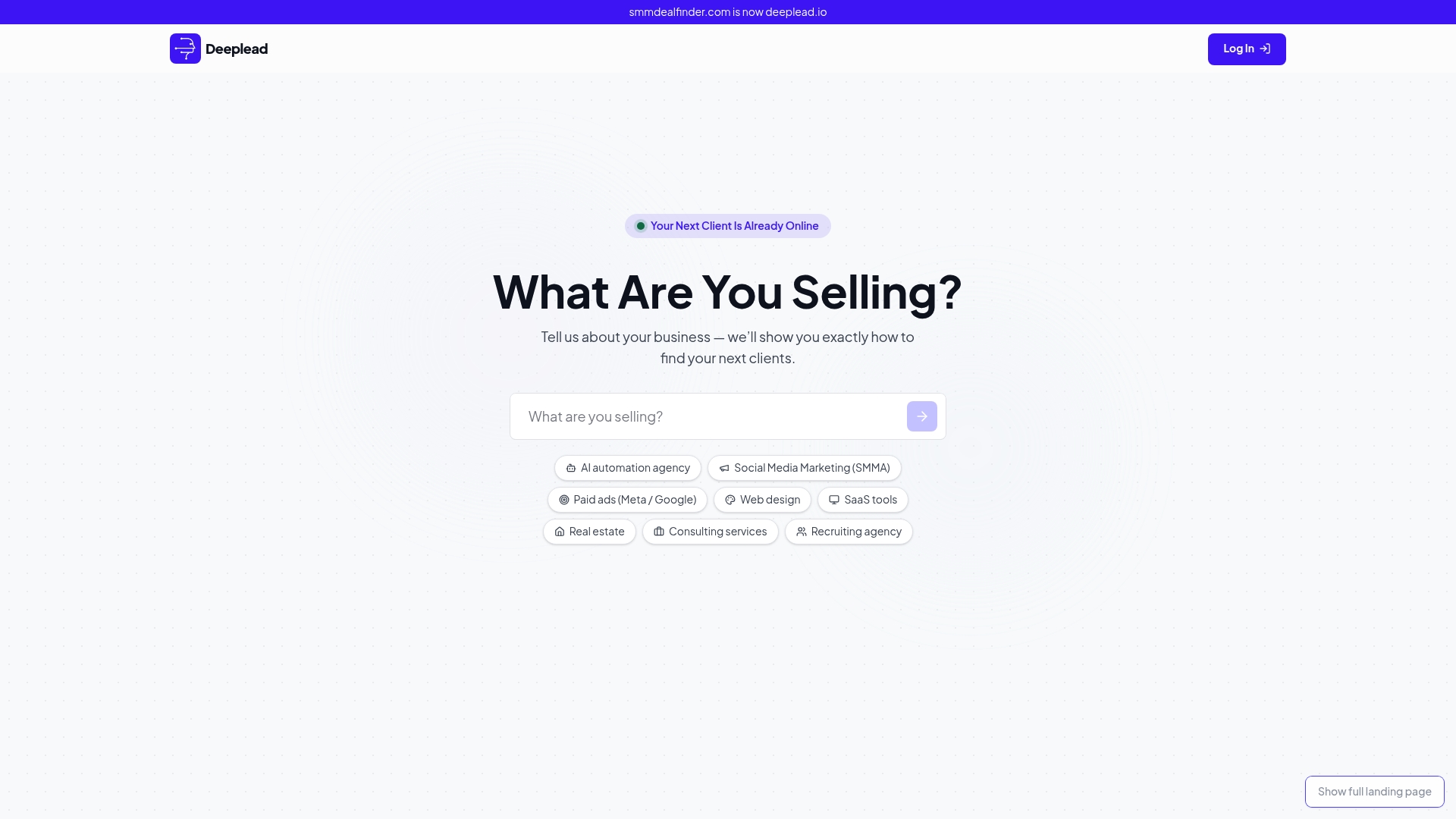
Some outreach tools pull contacts from built-in business data, write individualized emails, send from warmed-up inboxes, and route replies into a unified inbox. Replies can sync to HubSpot through webhook to enable near-real-time updates. You’re not stitching together a data provider, a sending tool, a copywriting workflow, and a separate integration layer. It’s one system doing what normally takes five.
Pricing varies, and some providers offer monthly plans with trials, pay-per-lead options, or done-for-you services for teams preferring managed approaches. If your HubSpot pipeline needs outbound that actually reports back cleanly, try Deeplead and see your first synced replies inside a week.